Content discovery is customizable
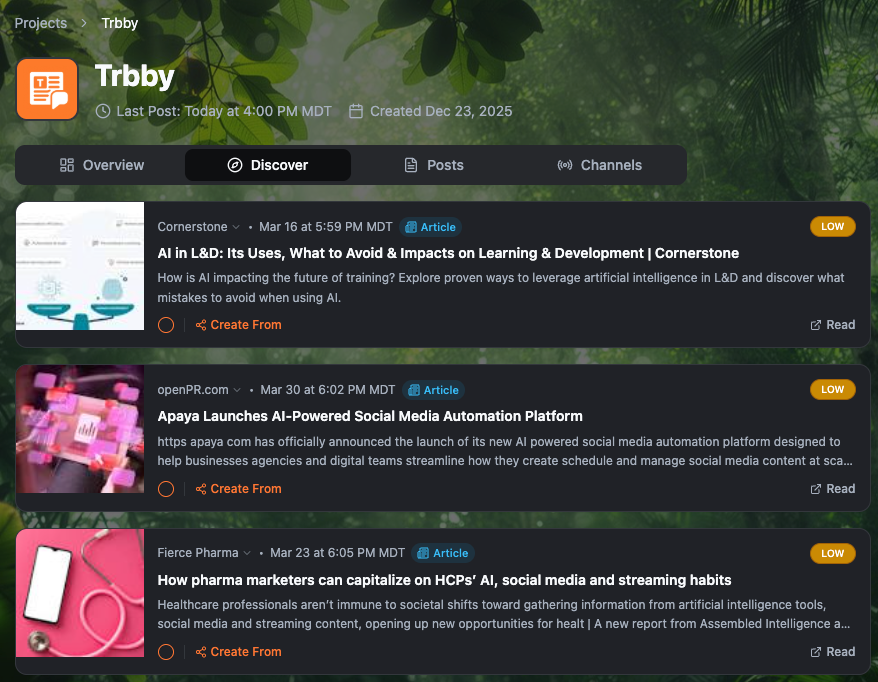
You can now control what Trbby surfaces in your Discover tab. Discovery Settings in Project Preferences give you direct control over the topics Trbby searches, the type of content it finds, and the sources it pulls from.
How it works
When you create a project, the topics you define during setup are automatically used as your starting discovery topics. From there you can add or remove topics, narrow results to articles or videos only, and blacklist any sources you never want to see. Changes to topics may take up to 24 hours to process.
What you can control
Content type: articles only, videos only, or both
Discovery topics: add or remove the subjects Trbby searches to find relevant content
Source blacklist: any domains or URLs you want permanently excluded from your feed
Keep using the in-app orange feedback button to drop your bugs, feature requests, and suggestions. It helps us prioritize what matters most.
And if you want quicker troubleshooting or real-time support, join us in Discord.
Thank you, thoughtful builders, for helping us shape this out. We’re building this with you 🧡