We've redesigned project setup — two ways to get started
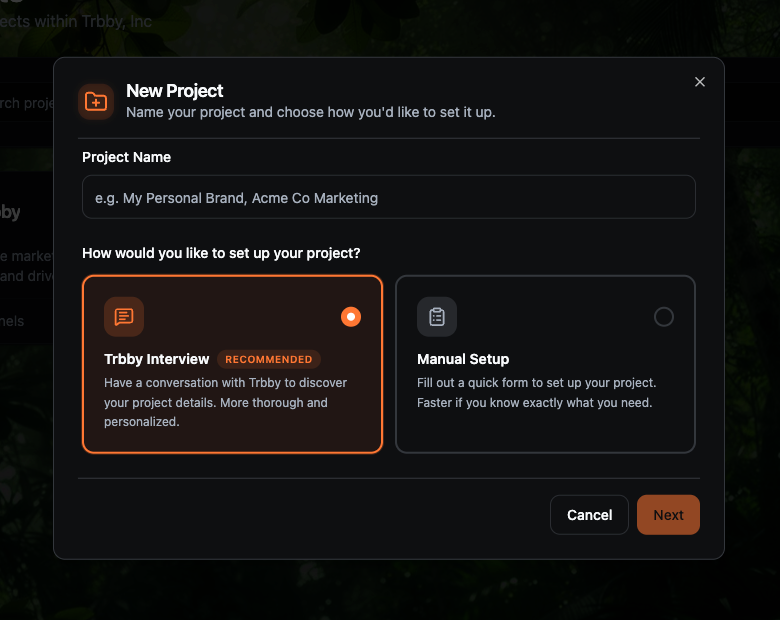
Creating a new project now starts with a choice. You can have a conversation with Trbby to figure out your setup, or jump straight into a form if you already know what you need. Both paths cover the same ground: goal, voice, about, audience, and topics.
Trbby Interview (recommended)
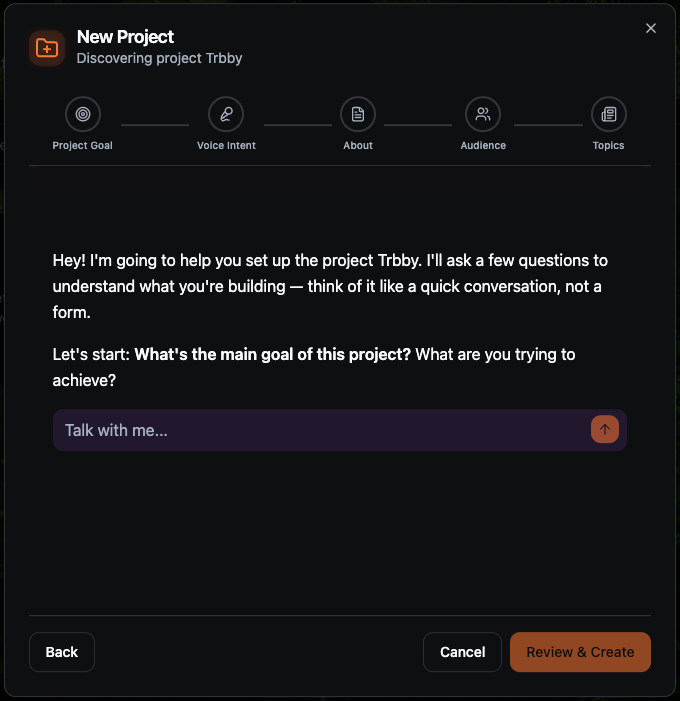
Trbby guides you through setup as a conversation rather than a form. Asking one or two focused questions at a time across five areas: your project goal, who's doing the talking, what the project represents, who it's for, and what topics to track. It's more thorough and shaped around what you tell it, so the brief it builds is genuinely personalized.
Manual setup
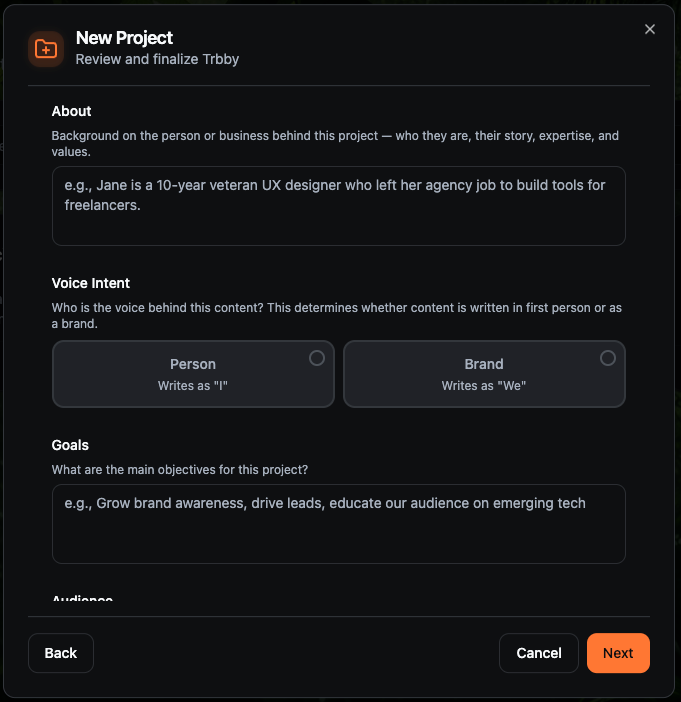
Prefer to fill things in yourself? Manual setup gives you a straightforward form covering the same five areas. You set your about, pick a voice (person writing as "I" or brand writing as "we"), define your goals, describe your audience, and add discovery topics. The specific subjects Trbby will search to surface relevant content and inspiration for you.
Both modes cover the same five areas
Project goal: the outcomes you care about and what success looks like
Voice intent: whether content sounds like a person or a brand
About: who you are, your focus, story, and any links to promote
Audience: the people you want to reach
Topics: subjects Trbby searches to find relevant content and inspiration for you
🔍 Also new: Content Discovery is now customizable
Once your project is set up, Trbby automatically surfaces relevant articles and videos in the Discover tab based on your topics. You can fine-tune what gets surfaced from Project Preferences: adjust content type, add or remove topics, and blacklist sources you never want to see.
For more info: https://feedback.trbby.com/changelog/content-discovery-is-customizable